The email platform designed for churches.
Flowforth is purpose-built for churches using Planning Center. Send directly to lists and pull Registrations, Groups, and Calendar events straight into your emails.

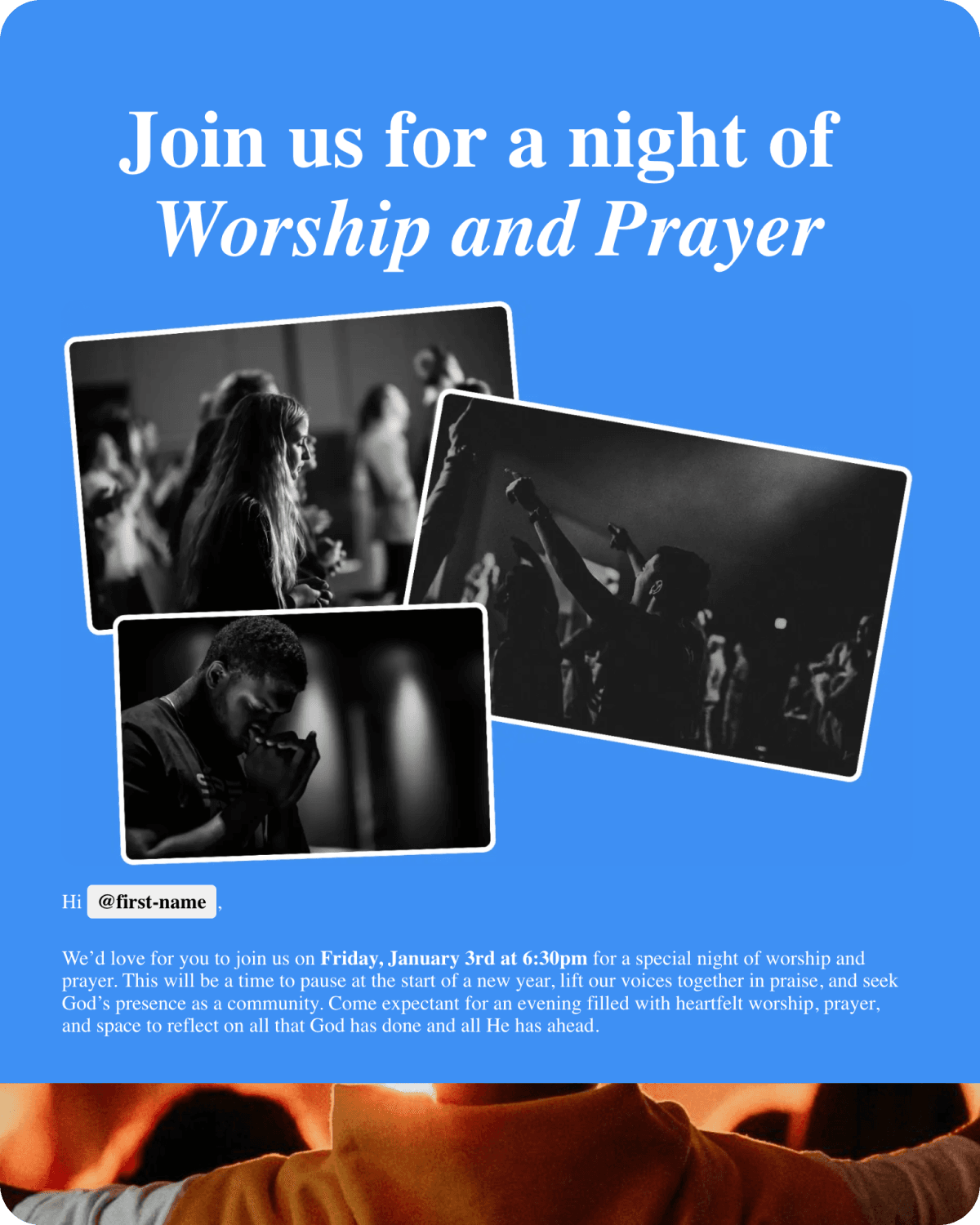
A Night of Worship
and Prayer
This Friday, we're setting everything else aside to do the one thing that matters most—come together as a church family to worship and pray. There's something powerful that happens when we gather in one room, lift our voices, and bring our hearts before God together. Come as you are, bring a friend, and let's spend the evening simply being in His presence.
Trusted by churches of all sizes




An email builder designed for Planning Center
Craft beautiful emails with our drag and drop editor, then send them to the people and lists you already have in Planning Center. No exports, no copy and paste, no out-of-date contacts.
Learn more about the email builderA Night of Worship
and Prayer

Fri, Mar 14 · 7:00 PM
Register Registrations
Import from Planning Center
Drop events, groups, and registrations straight into your emails, or link buttons and images directly to Planning Center content. No copying, no pasting, no re-entering the same details you already have in Planning Center.
 Publishing Announcement
 Church Center
A Night of Worship and Prayer
Join us for an evening of worship and prayer as a church family.
Publish emails to Church Center
Turn any email into a Church Center announcement. When you hit send, Flowforth posts it to your Planning Center Publishing feed, linking straight to your email's public page.


Sync unlimited people, send to lists
No contact limits and no syncing issues. Planning Center stays the source of truth: your people and lists stay up to date automatically, and we pull the latest list membership right when you hit send.
Registrations
A Night of Worship and Prayer
0
Clicked & signed up
0
Signed up after send
See who registered from your email
When your email links to a Planning Center registration, see who you emailed signed up, when they signed up, and whether they clicked the link first, matched right back to the people on your list.
And so much more
Import Canva designs into your emails and send emails designed in Canva through Flowforth.
Learn moreWeekend? Away on holiday? You can still make sure your emails go out at the perfect time.
Templates can be used for new emails and automations, and they're shared with your team.
View email templatesOpens, clicks, bounces, and unsubscribes give you pastoral insight that helps you care for your people.
Learn moreArrange your content in one, two, or three column layouts to create the perfect structure for any email.
Personalize your emails with people's names and details, including any Planning Center custom field.
Automations that help you follow up
Welcome new visitors, follow up after events, and keep your people connected, automatically. Build multi-step sequences with if/then branches, triggered right from Planning Center.
Learn more about automationsStart an automation when someone is added to or removed from any Planning Center list, or when someone submits a form.
Send a welcome email, wait a few days, then follow up. Add as many steps as your flow needs.
Branch your automation based on who is on a Planning Center list, so everyone gets the right next email.
Pause for hours or days, wait until a specific day of the week, or hold until someone joins a list.
Send a push notification to people with the Church Center app as part of any automation.
Drop your saved email templates straight into any automation step.
Designed for church teams
Invite your whole team, organize by ministry, and keep everyone on the same page without the chaos.
Invite up to 30 team members
Every plan includes up to 30 team members at no extra cost. Bring on your worship pastor, youth director, kids ministry lead, and the rest of the crew. Everyone who needs to send emails can have their own seat.
Worship
12 emails
Organize emails by ministry
Create folders for each ministry area so your team always knows where to find their emails. Worship, youth, kids, missions, everything has its place and nothing gets lost in the shuffle.
Built for collaboration
Every plan includes up to 30 team members. No surprise charges when you add someone new.
Keep emails organized by ministry so each team only sees what's relevant to them.
Control who can send, edit, or manage emails with flexible permission levels.
Create templates that your whole team can use to keep your church's branding consistent.
Give designers a role where they can create and design emails without the ability to send them.
Choose which lists each team member can send to so the right people are always emailing the right audience.
Learn from your links
Create trackable QR codes and link pages that match your brand, so you know exactly how people are engaging with you and from where.
QR codes you can update anytime
Design QR codes to match your brand, then track every scan. Printed the wrong URL? Change where a code points at any time without reprinting a thing.
Welcome Home
Check out the links below to get more involved!
A home for all your links
Build pages for your important links and resources to share with your congregation. They're perfect for your social media bios, and every click is tracked.
Printed a QR code with the wrong URL? No problem. Update where your QR code points at any time without reprinting.
See how many times your QR codes are scanned, where scans are coming from, and which codes perform best.
Customize colors, add your logo, and style your QR codes to match your brand.
See which links people are clicking from your link in bio page so you know what your audience cares about.
Build branded pages with all your important links and resources to share in your social media bios.
Coming Soon: Use your own domain for your link pages
Why churches choose Flowforth
From small church plants to multi-site movements, ministry teams trust Flowforth to keep their people connected.
“The switch from Mailchimp started out as a financial decision, but it's been a tremendous improvement for far more than our budget. We wouldn't ever think about going back. It was the best decision of 2026, hands down.”

“Incredibly intuitive, and the Planning Center integration works a charm.”

“A game changer for our church, and it's helped us save money, too.”

“Refreshing to use a tool clearly designed with churches in mind.”